










































Appointment recording
Never forget what the doctor said
Record your appointment. exora writes it up in your language, and every line links back to the words said.
Vincent Smith · GP visit
06:42
Everyone in the room has agreed
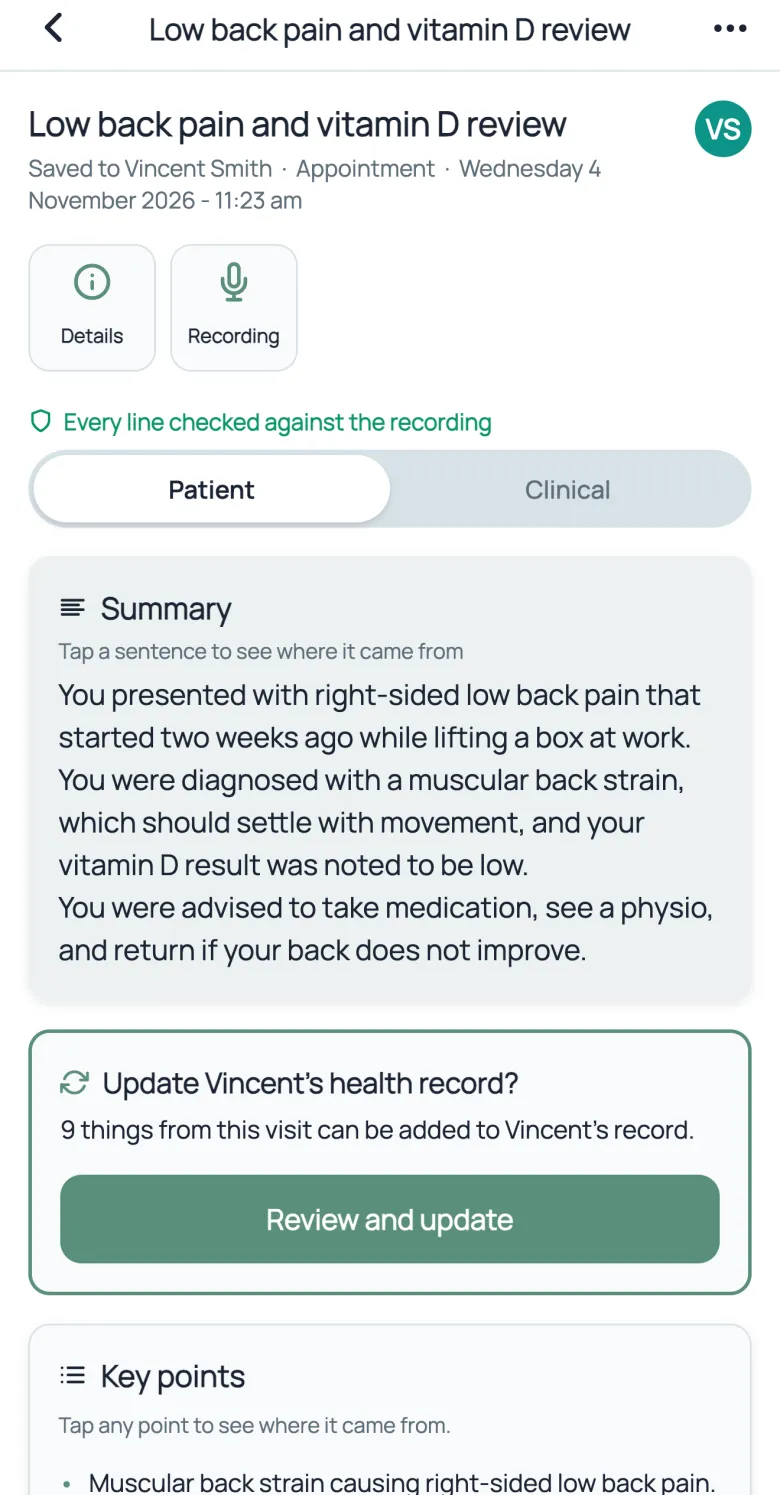
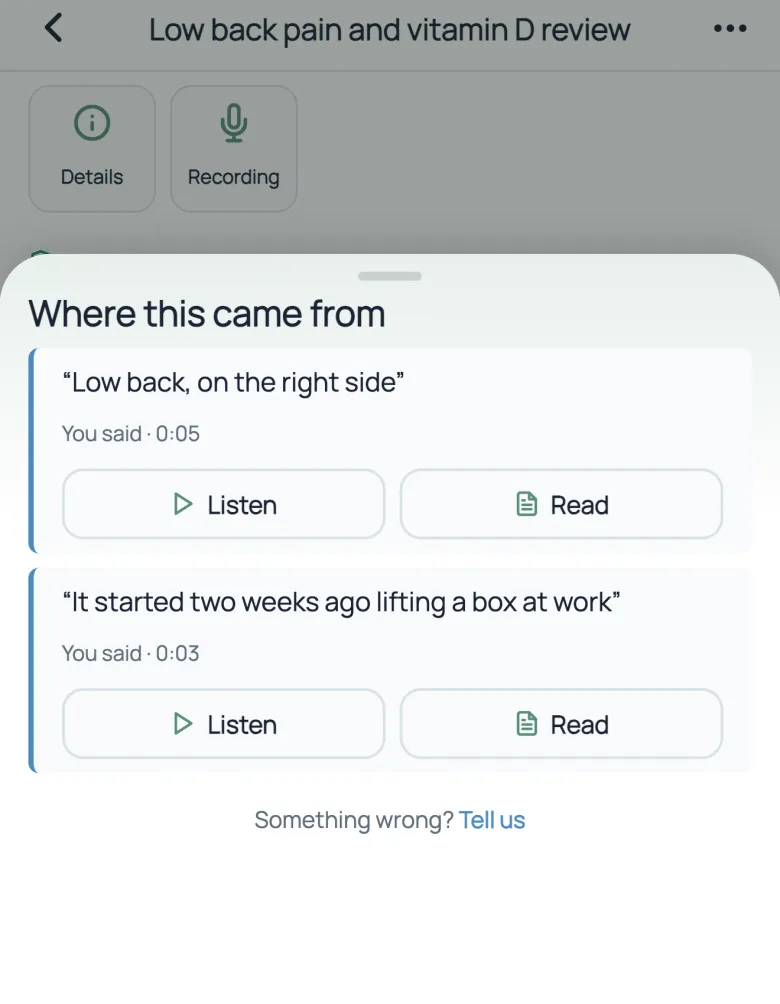
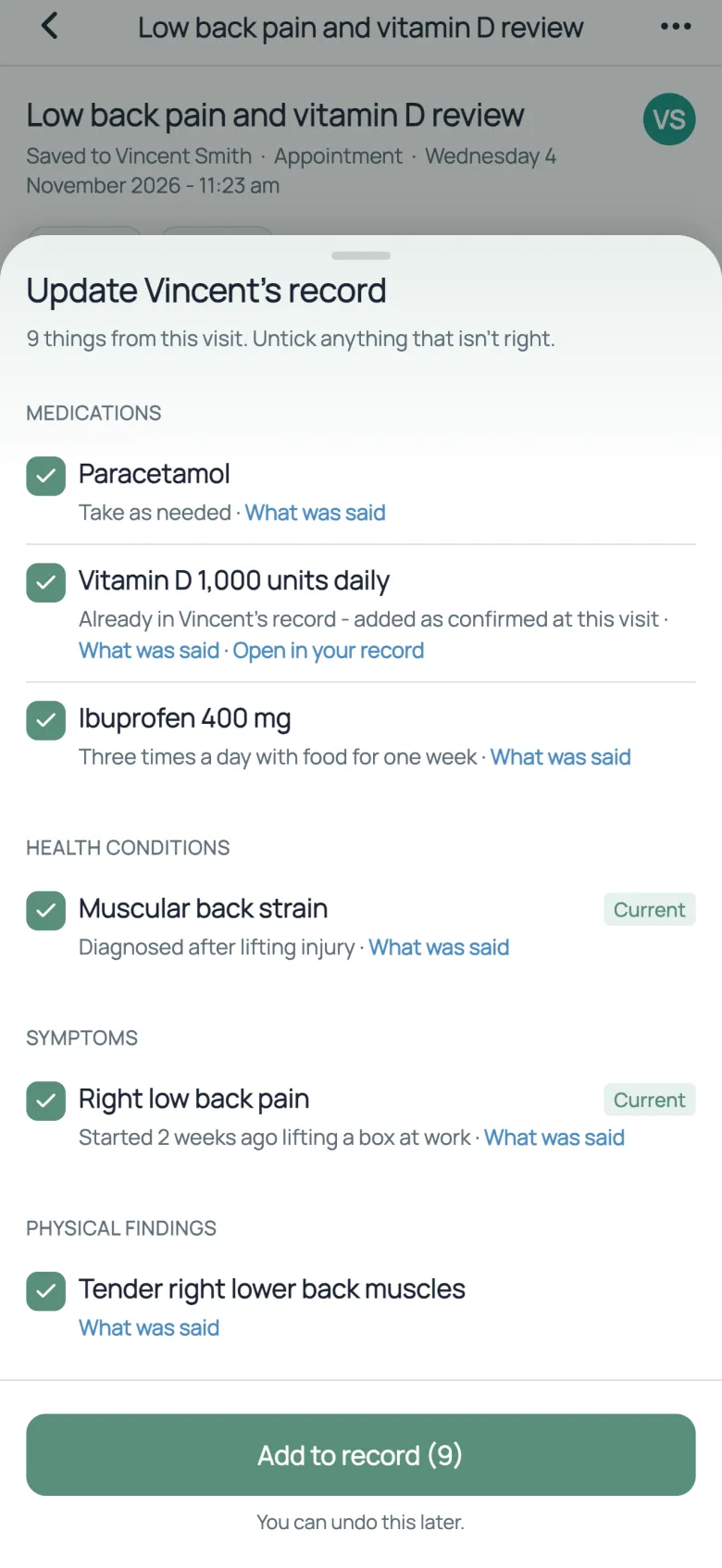
The real app, on a test profile. Not a real patient.
The whole visit, written up for you
A few minutes after you stop recording, the visit is written up in plain words. No notes to take while you listen.
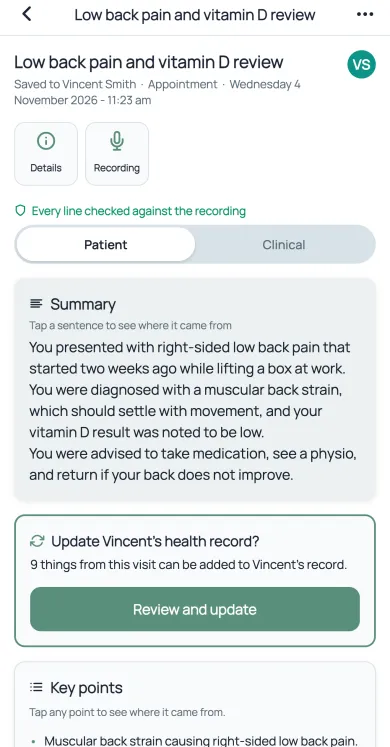
- A short summary, in the language you use the app in.
- Updates for your health record, waiting for your yes.
- Key points, next steps and the warning signs to watch for.
Check any line in two taps
Tap a line to see the words it came from, who said them and when. Tap again to read or hear that moment.
Your record, updated only with your yes
exora works out what the visit changes in your record, and asks before anything is saved.
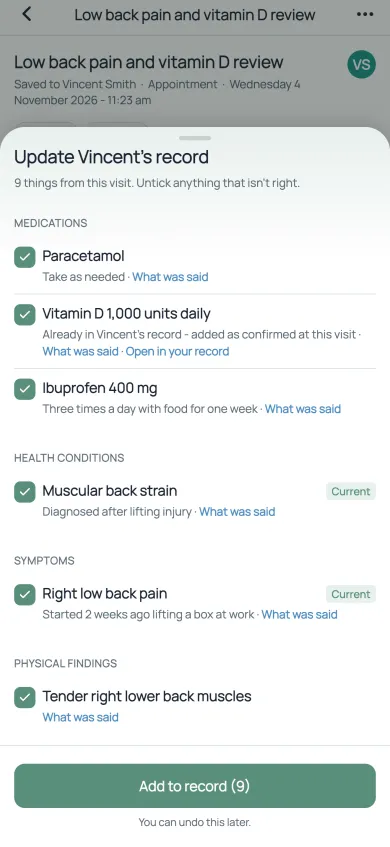
- Untick anything that isn't right.
- Tap “What was said” to check the words behind each one.
- Nothing is saved until you add it, and you can undo it later.
Shared with
For the people who help
Record a child's or a parent's visit on their own profile, then share it with family or a carer.
Before you record
Everyone in the room has agreed
Start recordingRecorded with care
exora asks you to confirm that everyone present has agreed before it records. The write-up helps you remember. It is not medical advice. Our privacy policy explains how recordings are kept.
Questions
Where can I record?
Is appointment recording free?
What if a line is wrong?
Can I record for my child or a parent?
Record your next appointment
Then tap a line and see where it came from. exora is free to start.
Get started freeAvailable on iOS, Android and web.